


How your client area works
Every visit to your property, every report and every document in one place. You see what happens on site, even from far away.
Sign in
For owners whose property we look after.
No access yet? We create it as soon as we look after your property. Get in touch
A tour of the client area
The following views show how you follow your property from a distance. All content is an example, not real client data.
Your property at a glance
After signing in you see the current state: last inspection, next appointment and open points. Below, every visit is listed with its date.

Report damage from your phone
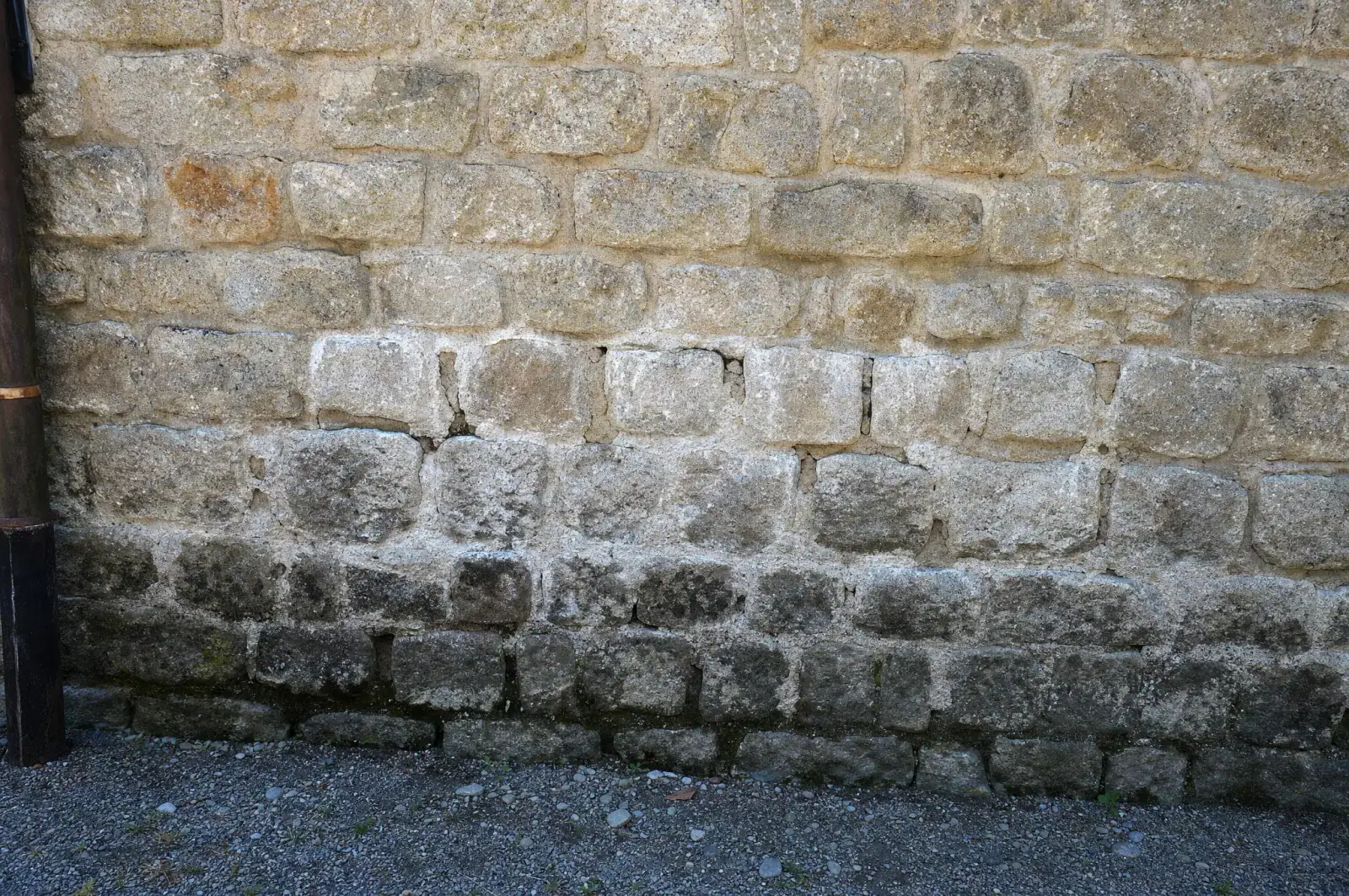
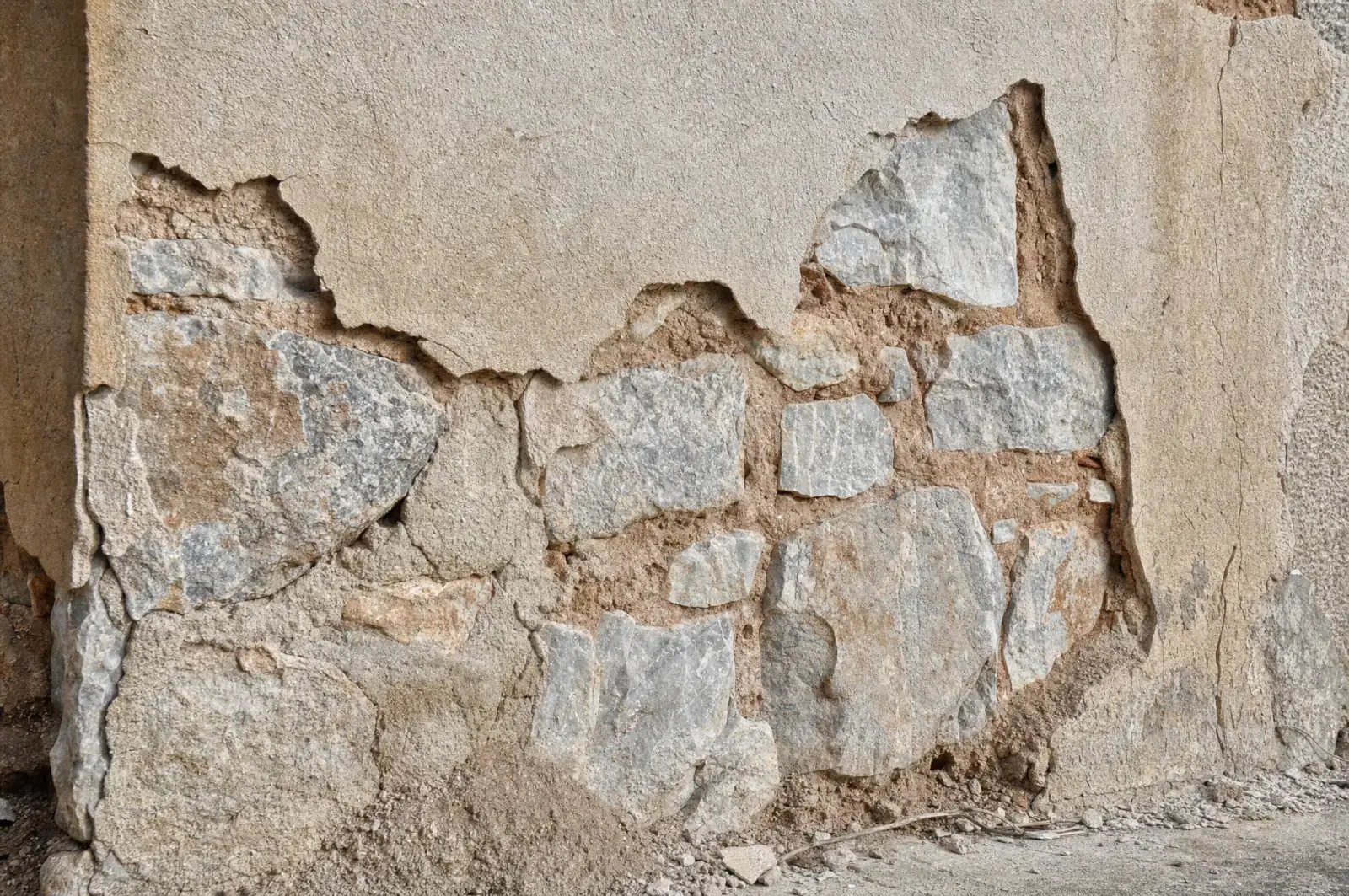
You notice damage, or a neighbour tells you about it? Choose a category, add a photo, send. The report goes straight to your contact.
A report for every visit
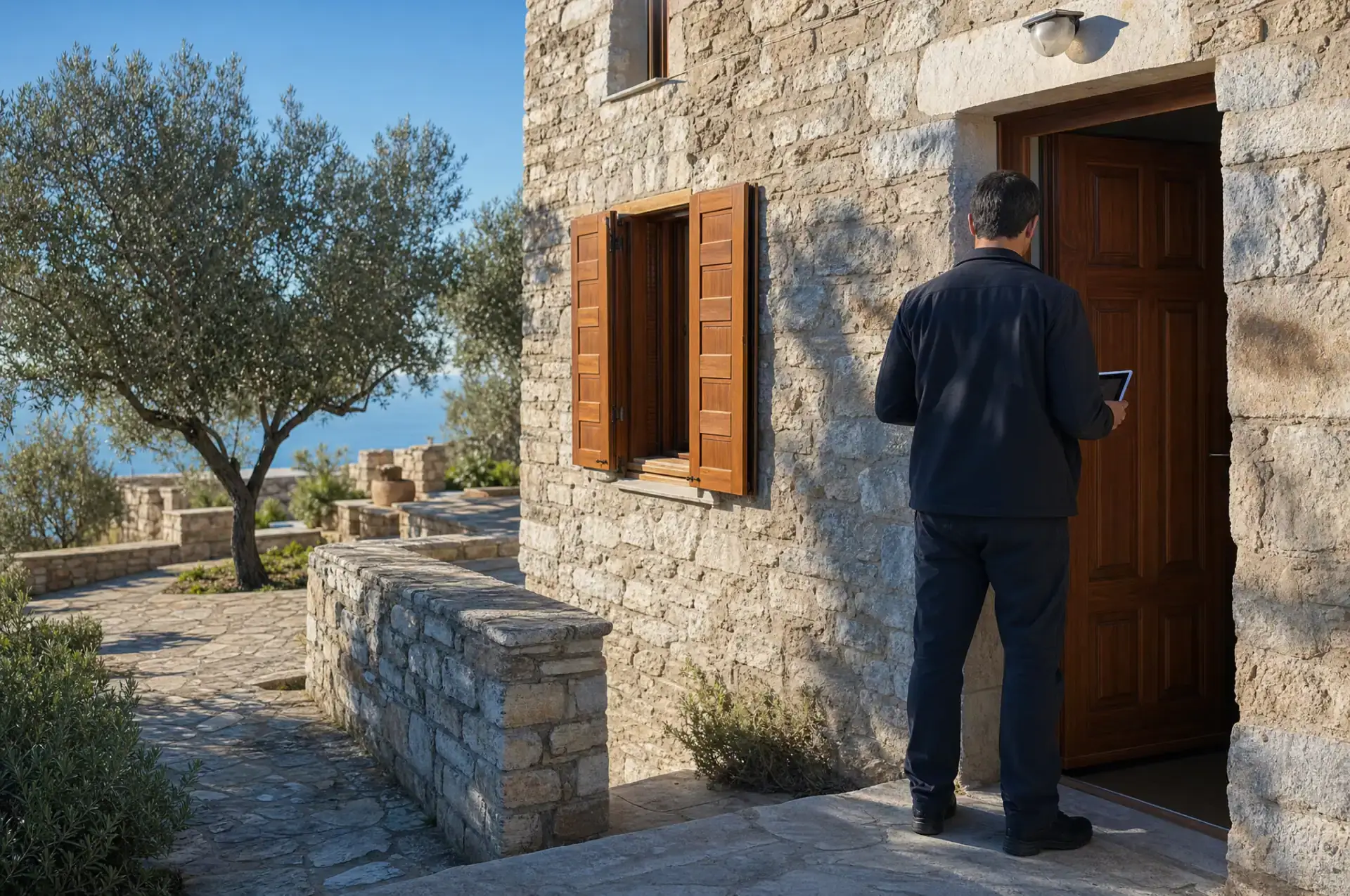
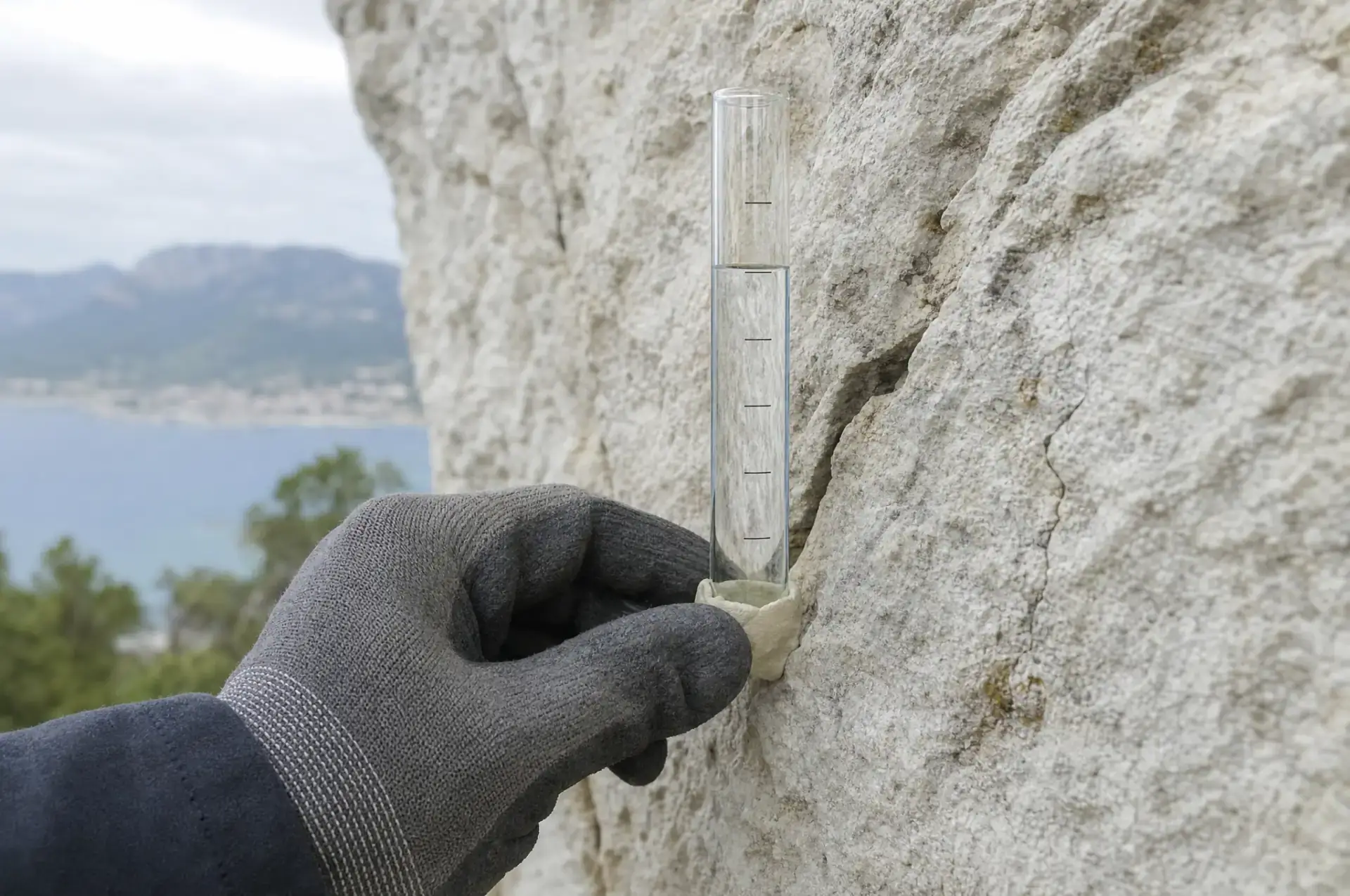
After every visit we create a report. It shows what was checked, with photos, the date and the team on site.

Documents and invoices, properly filed
Reports, invoices, maintenance records and guarantee documents sit in one archive. You download any document whenever you need it.
One contact, one thread
Questions, approvals and arrangements run through one message thread. You can always trace who decided what, and when.
How you get your access
No access yet? Write to us and we start with the initial walk-through.
- 1.
Initial walk-through
We walk through your property together and agree what we look after.
- 2.
Access details from your contact
Your contact sets up the client area and gives you the access details in person.
- 3.
Reports from the first visit
From the first visit onwards, every report with photos is in your client area.